Service
iOS App Development
iPhone and iPad apps from iOS mobile app developers who ship to the App Store — Swift where it counts, Flutter where it saves you a second codebase.
We build iOS apps for startups that need to reach the App Store and stay there — usually in Flutter so Android comes with it, with native Swift for the features Apple only exposes natively. Every build is prepared against the current App Review Guidelines, so the review queue is a formality rather than a gamble.
iOS users spend more on apps than any other audience, and Apple holds those apps to a higher bar to get in. The App Review Guidelines, privacy manifests, purpose strings, in-app purchase rules and Sign in with Apple requirements all decide whether your launch date holds. Most rejected first submissions fail on the same handful of rules, which we cover in why apps get rejected by the App Store.
Our iOS mobile app developers usually build in Flutter, which gives you the Android app from the same codebase, and drop into Swift for the features that only work properly natively. BackMe puts its safety timer on the lock screen with Live Activities. Chattick delivers voice and video calls through CallKit, so they ring like a normal phone call. Those are the places where an iOS app feels native or does not.
Whether you are comparing iOS mobile app development companies for a first launch or need an existing app through review, the work ends in the App Store, not at a handover call.
What We Deliver
- Flutter apps for iOS and Android from one codebase
- Native Swift modules: CallKit, Live Activities, widgets
- App Store submission and App Review handling
- In-App Purchase and subscriptions via RevenueCat
- Apple Pay through Stripe or Square
- Sign in with Apple and privacy-focused login
- Privacy manifests, App Tracking Transparency and privacy labels
- TestFlight beta distribution and phased releases
Start Your Project
Book a free scoping call or send us your project details.
Our approach
How we decide what to build with
The trade-offs behind the stack, so you can challenge them before the work starts.
Flutter for the app, Swift for the platform
One codebase for iPhone and Android, with native Swift modules for CallKit, Live Activities and other APIs that cross-platform frameworks handle poorly.
Review-ready from the first build
Account deletion, privacy manifests, purpose strings, restore purchases and demo credentials are part of the build checklist, not a scramble after the first rejection.
Payments that follow Apple’s rules
In-App Purchase through RevenueCat for digital goods, Apple Pay through Stripe or Square for real-world goods and services — chosen by what you sell, as explained in our guide to In-App Purchase versus Stripe.
iPad is not an afterthought
iPhone apps can run on iPad and reviewers may test them there, so layouts are checked on iPad screens before submission.
Who this is for
Where this service fits
If one of these sounds like your team, we have done this work before.
Founders launching on the App Store
A first app that needs to pass review the first time, with subscriptions, sign-in and privacy handled correctly from the start.
Subscription and consumer apps
Products whose revenue depends on In-App Purchase, RevenueCat entitlements and a paywall that meets Apple’s disclosure rules.
Apps that need native iOS features
Calling, lock-screen Live Activities, widgets, background location and Apple Pay — the features that make an iOS app feel like it belongs.
Apps stuck in App Review
Repeated rejections for metadata, privacy, payments or minimum functionality. We read the rejection, fix the cause and handle the reply.
How we work
From first call to store launch
The same five steps run every engagement, whatever the service.
Discovery
Design
Build
Launch
Grow
Related Work
See It In Action
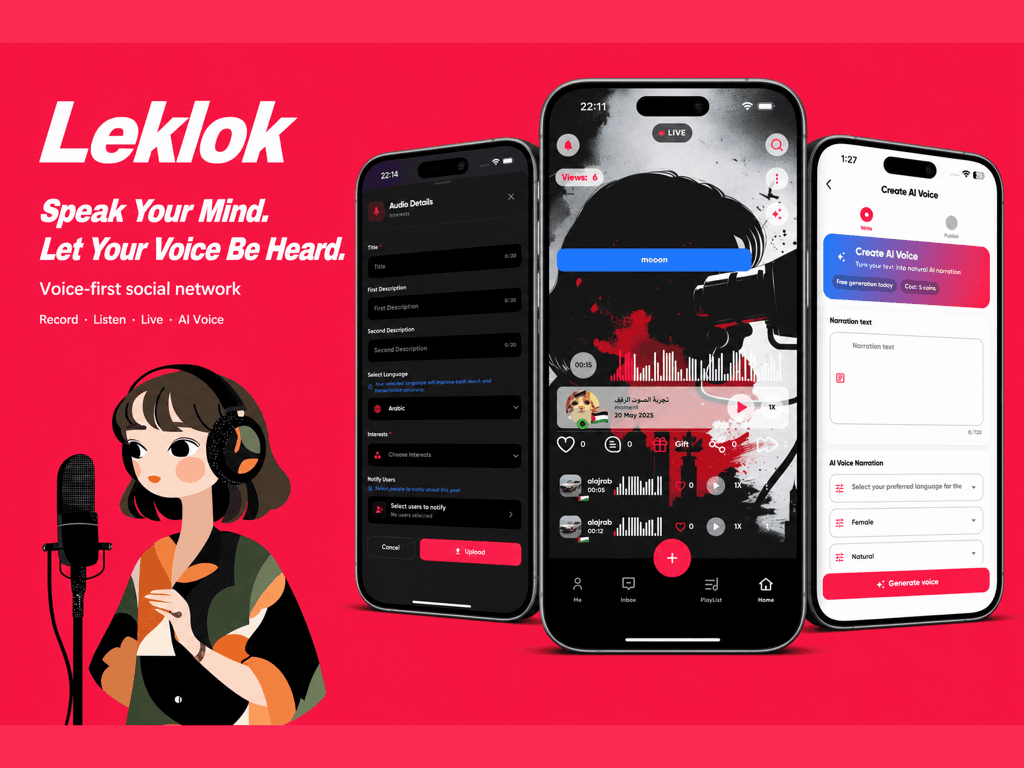
Leklok
Voice-first social app with live rooms & AI audio
Production launch on App Store & Google Play
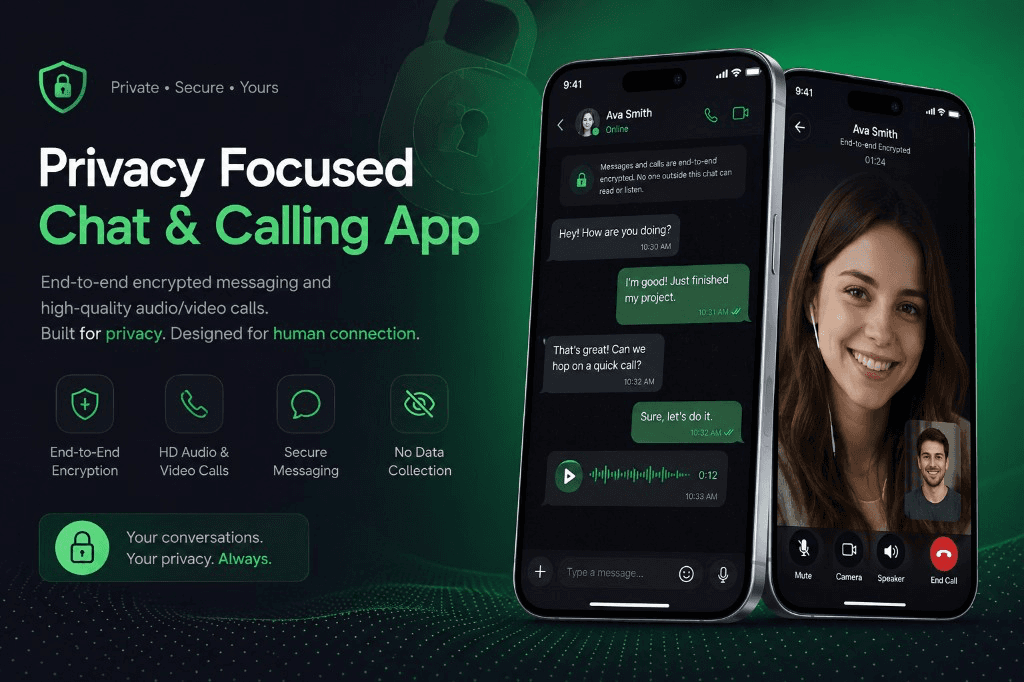
Chattick
Privacy-first encrypted messaging & calling
Launched on App Store & Google Play with full monetization
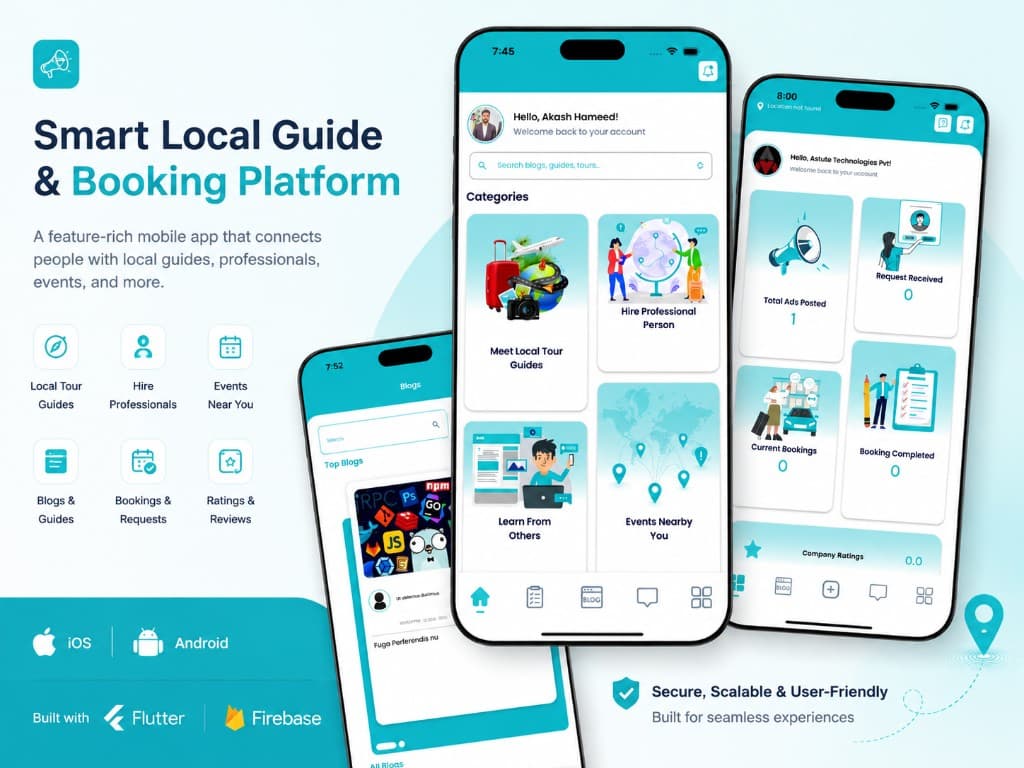
Onertrip
Smart local guide & booking platform
Live on App Store with web + admin platform
BackMe
Personal safety timer — alerts contacts if you don't check in
App Store launch with RevenueCat, ads, and marketing site
FAQ
Common Questions
Do you build iOS apps in Swift or Flutter?
How long does App Store review take?
What do I need to publish on the App Store?
Do I need Sign in with Apple?
Can my iPhone app work on iPad?
Can you fix an app that keeps getting rejected?
Ready to build something remarkable?
Book a free 20-minute scoping call. We'll review your idea, share relevant case studies, and outline a realistic timeline.
Reply within 24 hours · No commitment required